01. Digital experiences and search
Built to answer.
Websites built in days, AI-Search Optimization, search programs, business profiles, lead-capture chatbots, and steady hosting. The largest share of the studio’s work.
Keyframe0. Independent cinematic creative studio
Websites, AI-Search Optimization, and creative production for businesses, brands, broadcasts, and creators, built as one connected visual language.
Chapter 02. Work as interface
Each chapter is a live demonstration spanning footage, environments, motion systems, interfaces, and the thinking that holds them together.
Browse all work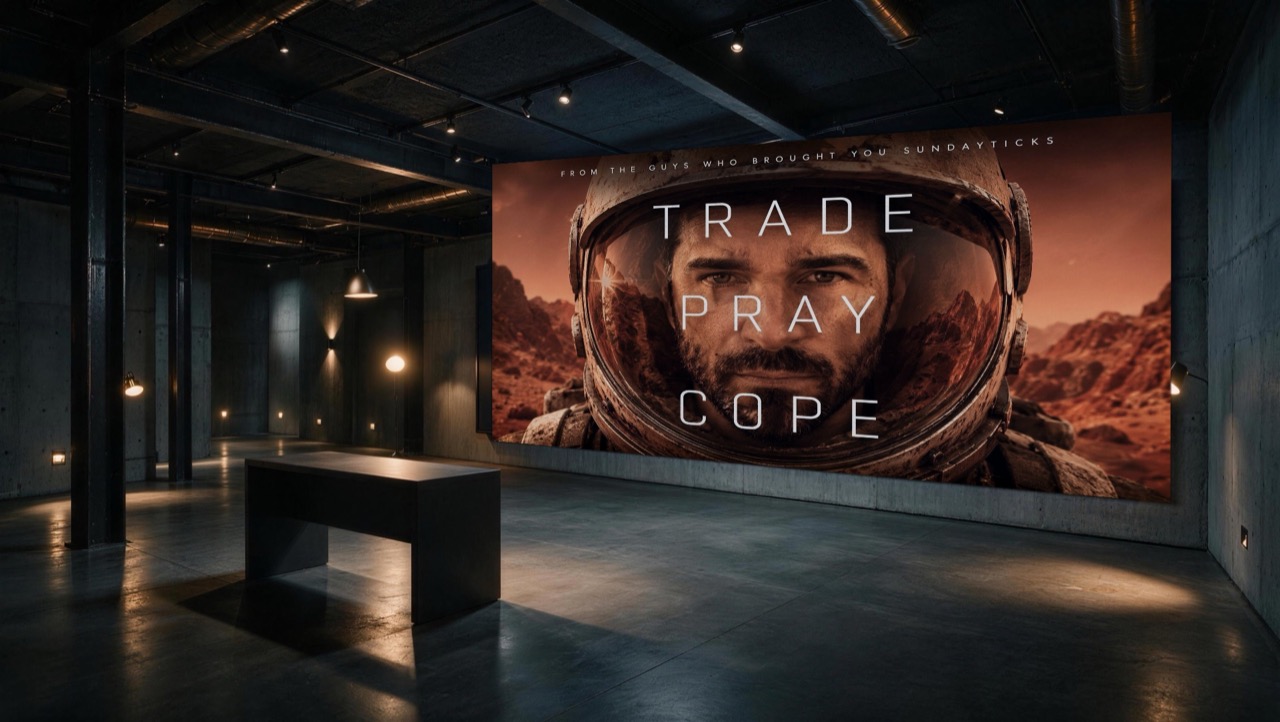
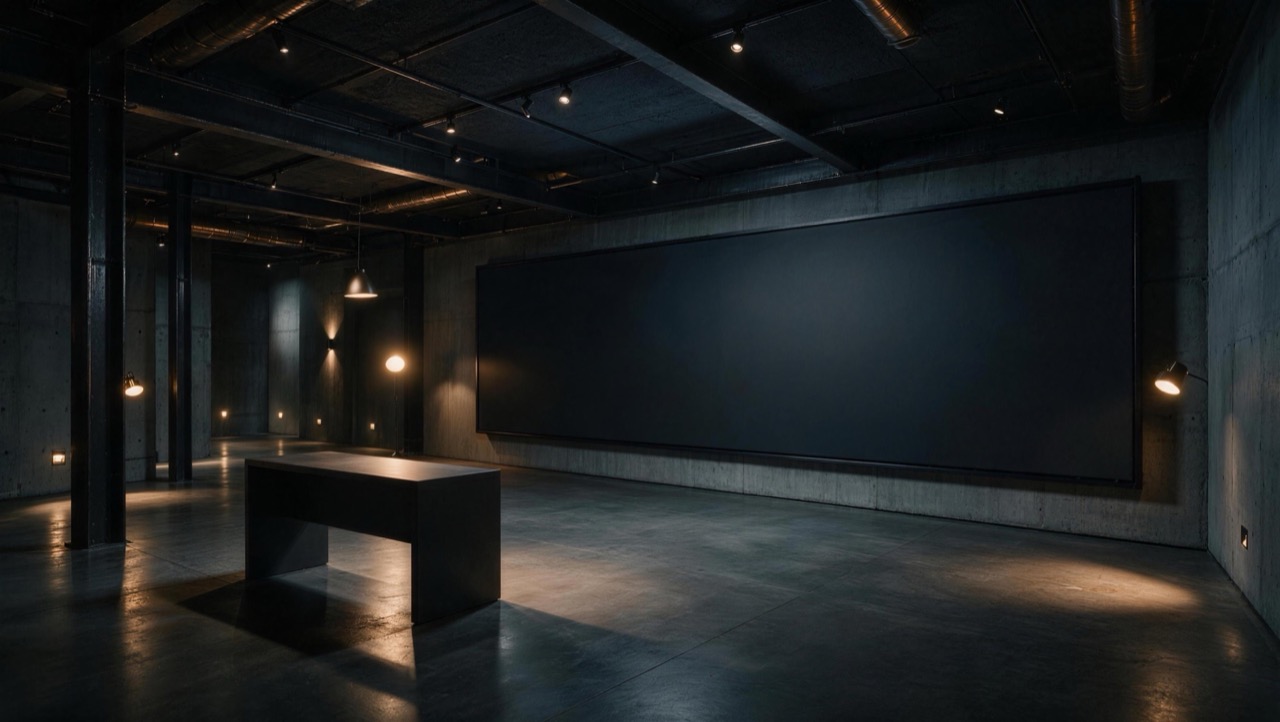
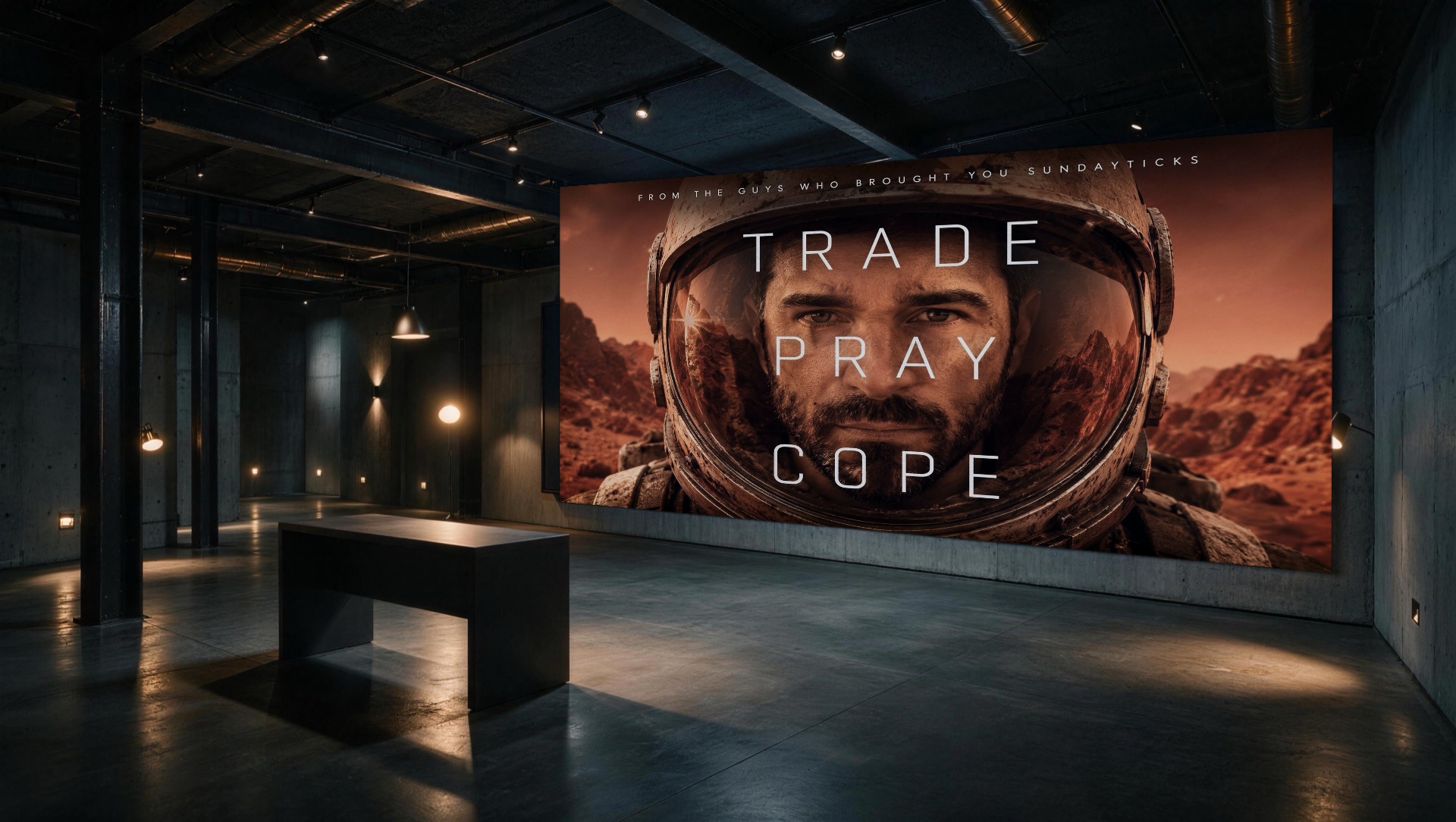
Studio work. Virtual environment
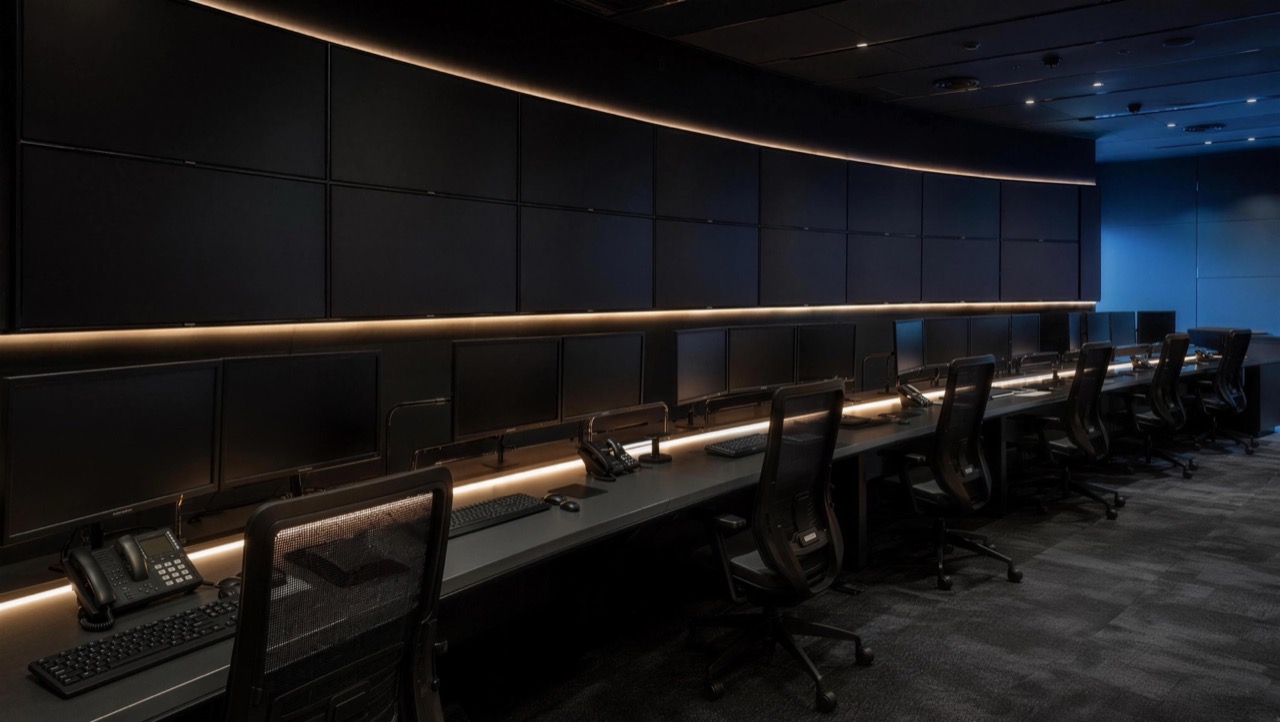
A working broadcast environment whose live display, camera framing, and graphics layer are designed as one system.
The live display fills the frame and becomes an editorial campaign surface.
Selected work. Campaign system
The supplied campaign key art carries the first beat. Type scale, image sequence, and motion logic extend that frame into an editorial system without inventing client context or outcomes.
Read the project chapter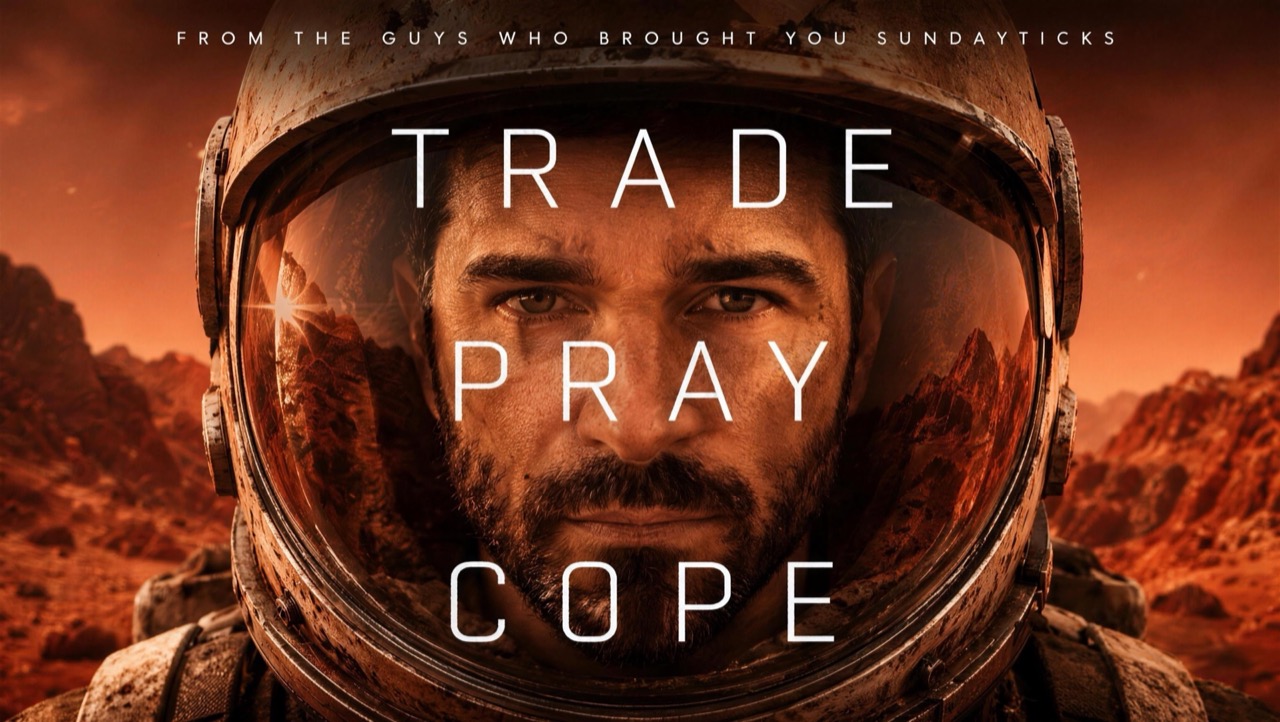
The project page moves from premise to frame, then from frame to system. Missing client, credit, and outcome details remain absent rather than being filled with assumptions.
Selected work. Anonymized film
Three cleared film fragments are presented as an anonymous visual study. No identity, credit, or result is inferred from the footage.
Selected work. Business systems
Websites that load fast and answer plainly. AI-Search Optimization that makes a business legible to answer engines. Search programs, business profiles, and lead-capture systems that keep working after launch. The site you are reading is the working demonstration: built in days, structured for machines, readable by people.
See the business trackChapter 03. Connected capabilities
01. Digital experiences and search
Websites built in days, AI-Search Optimization, search programs, business profiles, lead-capture chatbots, and steady hosting. The largest share of the studio’s work.
02. Direction and campaigns
Positioning, concepts, art direction, key art, launch systems, and campaign content built around one clear premise.
03. Motion and broadcast
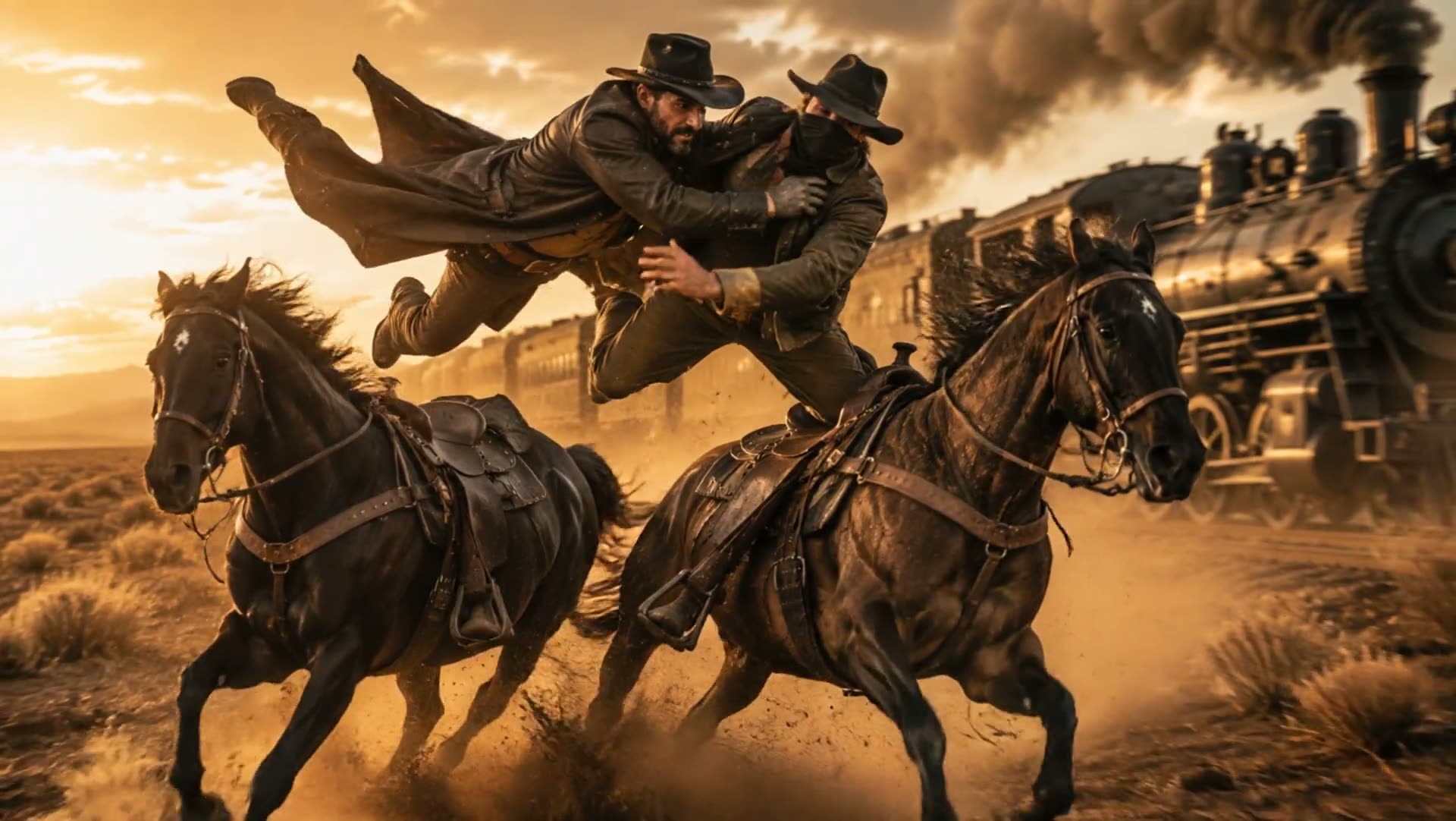
Titles, promos, show systems, animation, live graphics, and the visual timing between them.
04. Virtual environments
Purpose-built spaces with mapped screens, camera cutouts, true perspective, branded overlays, and delivery for the production setup.
Chapter 04. Operating proof
Project details, audience, pressure, timing, and useful source material arrive in writing.
The difficult decision appears early enough to change direction without wasting the build.
Approved visual logic carries across every required surface and output.
Final files arrive prepared for their platform with a clear written handoff.
Chapter 05. Studio Shop
A fast lane for bounded deliverables with known outputs and written checkpoints. Larger, integrated work stays on the custom studio path.
A focused static site built for clarity, speed, and direct questions.
View in ShopStructured data, answer architecture, and machine-readable evidence.
View in ShopMapped screens, shaped camera framing, and an overlay system prepared for live production.
View in ShopA finished short promo for launches, trailers, or title sequences.
View in ShopChapter 06. Written intake
Send the problem, the pressure, the material you already have, and what must be true when the work ships. Expect a written reply with fit, timing, and the next useful input.